webapi能主动发送给客户端吗

粉丝2180获赞3431
相关视频
 01:01查看AI文稿AI文稿
user agent 是 h t t p 请求头的一部分,用于标识发送请求的客户的应用程序或浏览器。在发送 h t t p 请求时,通常会在请求头中包含 user age 信息,以便服务器能够识别请求的来源。在使用 o k h t t p client 发送 h t t p 请求时,您可以通过以下方式设置, u z agent employ the khttp three ok http, cli ent employ the khttp three request import ok hd gp3 response import 加不加 io io exc ep 七 ion public class mainly response response equals equals client that new color request execute system dot out that print lane response dart code system dat out that print lane responds to our body dat swing cause i'll accept any print stack to us。 在上面的视力中,我们使用 hide user agent, 因为 user agent screen 方法在请求中设置了 user agent。 您可以将由 user agent screen 替换为您想要发送的实际 user agent 字符串。
 02:5971互联网老向
 00:49查看AI文稿AI文稿
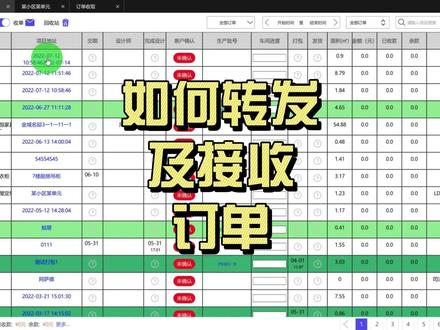
如何转发和接收订单?订单界面,点进订单,进入订单的详情界面,然后右上角点击转发,输入对方贵贵用户的账号, 或者是选择已加的好友,点击确定转发就可以了,这个时候会提示转发成功,然后咱们接收的账号呢?在订单的界面点击刷新一下,刷新一下订单,然后左上角点击收单, 点击接受就可以收单了,然后返回到订单界面,点击刷新一下,就显示出接收到的订单了。


猜你喜欢
- 3578赖小许